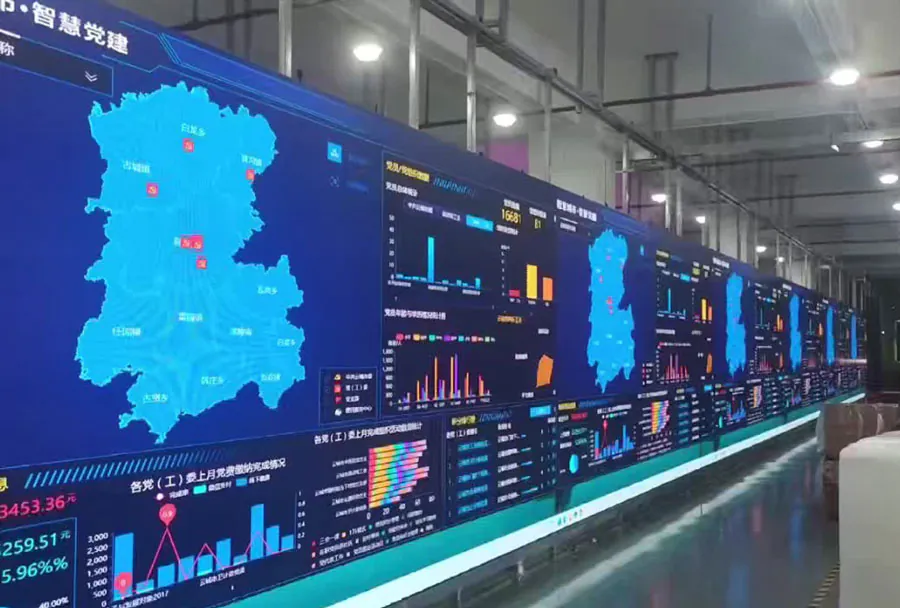
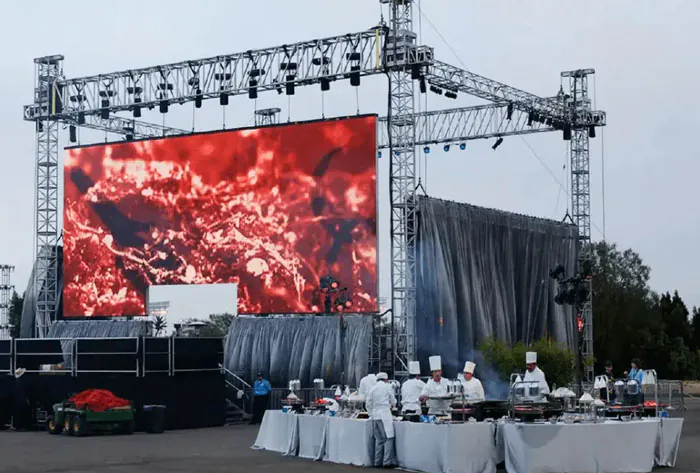
Mobile LED Screen Rental Toronto for Weddings Concerts and Festivals

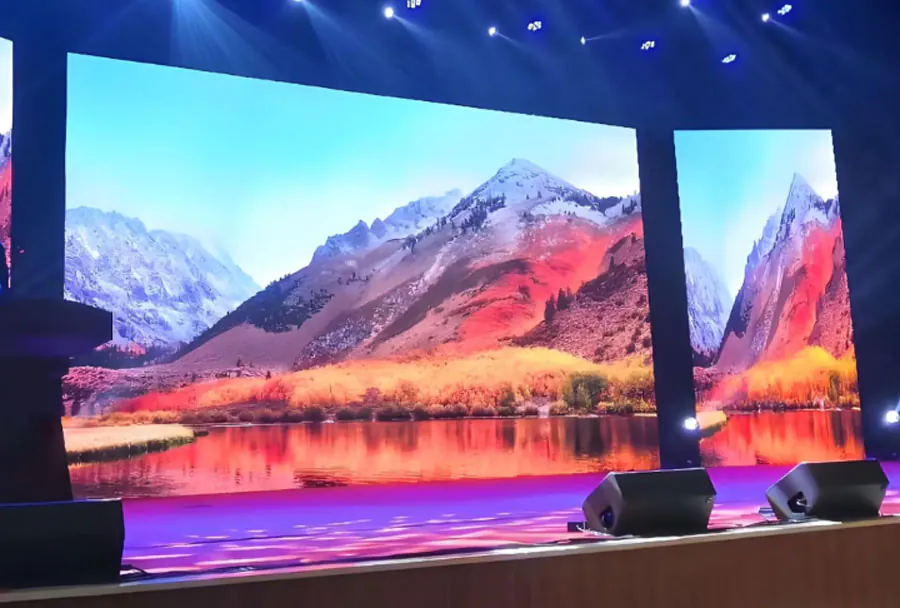
Mobile LED screens have become an essential production element for weddings, concerts, and festivals in Toronto. They transform visual experiences, ensure visibility across large crowds, and help create memorable moments whether indoors or outdoors. For event planners and couples alike, choosing the right mobile LED screen rental can mean the difference between a standard event and one that captivates attendees. This article provides a comprehensive guide to renting mobile LED screens in Toronto, tailored to weddings, concerts, and festivals, including technical considerations, logistics, vendor selection criteria, cost analysis, and practical recommendations.
Understanding Mobile LED Screens: Basics and Key Specs
What is a mobile LED screen?
A mobile LED screen is a portable display system built from modular LED panels mounted on trailers, trucks, or temporary frames. These units are designed for quick deployment and breakdown, making them ideal for events where flexibility and mobility are crucial.
Key technical specifications to evaluate
– Pixel pitch: Measured in millimeters (mm), smaller pixel pitch equals higher resolution and better close-up clarity. Common outdoor pitches range from P3.9 to P10; indoor or close-view applications may use P2.6 or finer.
– Brightness: Measured in nits (cd/m2). Outdoor displays typically need 5,000–10,000 nits to remain visible in daylight; indoor screens can be 800–2,500 nits.
– Refresh rate: Higher refresh rates (≥3,840 Hz) reduce flicker on camera and improve live stream quality.
– Size and aspect ratio: Screen dimensions affect audience coverage and viewing distances. Trailer-mounted screens often range from 12 ft x 7 ft to 24 ft x 14 ft or larger.
– Weatherproofing/IP rating: Outdoor events need screens with IP65 or better protection against rain and dust.
– Power requirements: Trailer units may have built-in generators or require external power; understanding consumption is critical for planning.
Use Cases: Weddings, Concerts, and Festivals
Weddings
For weddings, mobile LED screens are used for live feeds of ceremonies, montage videos, slideshow backdrops, and ambient visual themes. Key considerations:
– Intimacy: Weddings often require close-view clarity; choose finer pixel pitches (P2.6–P4).
– Aesthetics: Screens should integrate with decor—consider LED curtains or screens with custom frames.
– Quiet operation: Generators and cooling fans should be low-noise for ceremony ambiance.
– Reliability: Redundancy in signal paths and backups ensure ceremony continuity.
Concerts
Concerts demand high brightness, large screen areas, and synchronized visuals:
– Stage backdrop and side screens: Combine central main screen for stage visuals and side screens for sightlines.
– Sync and latency: Low-latency video feeds and reliable synchronization with lighting and effects are essential.
– Camera integration: High refresh rate to eliminate flicker on broadcast and live-stream captures.
– Durability: Concert environments may be harsh; screens must handle heat, vibrations, and extended runtime.
Festivals
Festivals require robust, large-scale outdoor solutions:
– Audience scale: Festival screens must be large with longer viewing distances—pixel pitch can be coarser (P6–P10) depending on distance.
– Weather and safety: Waterproofing, secure anchoring, and wind-rated rigging are necessary.
– Multiple locations: Mobile screens can be deployed across multiple stages or zones for simultaneous programming.
– Power logistics: Generators and distribution networks must be planned for long event hours.
Logistics and Site Planning in Toronto
Permits, bylaws, and venue rules
Toronto has specific permitting requirements for public events, including permits for public assembly, road closures, and noise. Work with venues and city authorities early to secure necessary permits. Municipal parks and landmarks like Nathan Phillips Square, Exhibition Place, and Downsview Park have their own rules for staging and equipment.
Site survey essentials
Conduct a pre-event site survey to confirm:
– Screen sightlines and audience zones
– Power access and backup generator placement

– Rigging points and ground conditions
– Load-in routes and staging zones for mobile units
– Nearby structures, tree lines, and potential obstructions
Power and connectivity
– Generator sizing: Match screen and ancillary gear power draws; plan for redundancy.
– Signal distribution: Ensure HDMI/SDI/video-over-IP backbone; wireless links for camera feeds should have line-of-sight and fallback options.
– Internet: For live streaming, secure dedicated bandwidth with backup options (bonded cellular, secondary ISP).
Vendor Selection: What to Ask Your Rental Company
Essential questions
– What pixel pitch and brightness do you recommend for my event type and viewing distance?
– Do you provide setup, on-site technicians, and teardown services?
– Can you supply power solutions and generators?
– Do you have venue experience in Toronto and appropriate insurance?
– What are your contingencies for weather, equipment failure, or permit delays?
Red flags to watch for
– Lack of local references or Toronto event experience
– Vague answers about power, rigging, or insurance coverage
– No on-site technician included in the quote
– Extremely low pricing with hidden fees later
Pricing Models and Budgeting
Costs vary by screen size, pixel pitch, rental duration, installation complexity, and included services (delivery, setup, operator). Typical pricing components:
– Base rental fee: Usually quoted per day.
– Delivery and setup: Distance from vendor to site and complexity of installation affect this.
– On-site operator: Flat daily rate for a technician.
– Power and generator rental: If needed, adds to cost.
– Add-ons: LED walls for stages, video processors, camera feeds, live streaming encoders.
Below is a compact analysis table to compare typical configurations for weddings, concerts, and festivals in Toronto.
| Event Type | Recommended Screen Size | Typical Pixel Pitch | Typical Viewing Distance | Estimated Rental Cost (CAD/day) |
|---|---|---|---|---|
| Small Wedding (indoor) | 8 ft × 4.5 ft (2.4 m × 1.4 m) | P2.6 – P3.9 | 5 – 15 ft (1.5 – 4.5 m) | $800 – $1,800 |
| Large Wedding (outdoor) | 12 ft × 8 ft (3.7 m × 2.4 m) | P3.9 – P6 | 10 – 40 ft (3 – 12 m) | $1,500 – $3,500 |
| Concert (mid-size) | 20 ft × 12 ft (6 m × 3.6 m) | P4 – P6 | 30 – 120 ft (9 – 36 m) | $4,000 – $10,000 |
| Festival Main Stage | 30 ft × 18 ft (9 m × 5.5 m)+ | P6 – P10 | 50 – 300 ft (15 – 90 m) | $8,000 – $25,000+ |
| Multiple Zone Screens | Varied (12–24 ft wide) | P6 – P10 | 20 – 200 ft (6 – 60 m) | $5,000 – $20,000 (total) |
(h4 note: Estimates are illustrative. Actual quotes depend on vendor, duration, location, and included services.)
Installation and Operational Considerations
Setup timeline
Typical timeline for mobile LED screen setup:
– Site arrival and unloading: 1–2 hours
– Positioning, rigging, and leveling: 1–2 hours
– Cable runs, power hook-up, and testing: 1–2 hours
– Video signal integration, content checks, and rehearsals: 1–3 hours
Total setup for a mid-size event can be 4–8 hours; larger festival rigs may require a full day or more.
Safety and rigging
– Wind load and anchoring: Mobile screens must be secured and, where necessary, have ballast or ground anchoring to meet wind-load criteria.
– Truss and structural checks: If mounting near stages or structures, ensure rated rigging hardware and certified riggers.
– Crowd safety: Screens should be positioned to avoid creating blind spots and to provide safe ingress/egress pathways.
Content and Creative Opportunities
Mobile LED screens are not just for displaying video; they can be creative focal points:
– Live camera feeds: Allow guests farther from the stage to feel connected.
– Ambience loops: Themed visuals during dinner, transitions, or between acts.
– Interactive social walls: Display curated social media feeds or live polls.

– Sponsor integrations: Dynamic sponsor placements for festival revenue.
– Projection mapping alternatives: LED walls can serve as bright, flexible canvases for motion graphics.
Technical Add-ons and Integration
– Video processors and switchers: Necessary for multi-source feeds and scaling resolutions.
– Redundant signal paths: Use dual encoders and failover systems for mission-critical events.
– Streaming encoders: For live-streamed weddings or concerts, bonded cellular units can provide stable streams.
– Audio sync: Ensure A/V latency is managed so audio matches video, especially for live performances.
Case Examples and Practical Recommendations
Example 1: Intimate indoor wedding in Toronto
Situation: 120 guests at a boutique venue, low ceiling height.
Recommendation: Use a high-resolution indoor LED screen (P2.6–P3.9) sized to complement the room (approx. 8 ft × 4.5 ft). Include a low-noise generator or venue power, and route camera feeds to the screen for live ceremony coverage.
Example 2: Mid-size concert at an outdoor park
Situation: 2,000 attendees at a neighborhood park show.
Recommendation: Use a trailer-mounted screen of 20 ft × 12 ft with P4–P6 pixel pitch, plus side screens for sightlines. Confirm city permits, produce a power plan with generators, and provide on-site technicians for media switching.
Example 3: Multi-stage summer festival
Situation: Two stages, multiple audience zones across a weekend festival.
Recommendation: Deploy several mobile screens sized per stage; coordinate a centralized control room for content distribution, provide redundant power and bonding for live streams, and schedule staggered setups to reduce load-in congestion.
Maintenance, Insurance, and Contingency Planning
– Preventive maintenance: Vendors should perform inspections and testing before every rental.
– Insurance: Ensure rental agreements include liability coverage and that your event insurance covers rented equipment.
– Weather contingency: Have plans for extreme weather; screens should be protected or removed if conditions exceed safe operating limits.
– Spare parts and backups: A vendor with local inventory and replacement panels minimizes downtime.
Measuring Success and ROI
For commercial events, measure ROI through:
– Attendance and engagement lift: Compare historical attendance when screens and enhanced visuals were used.
– Sponsor value: Track impressions, sponsor visibility, and activation engagement.
– Social media metrics: Use on-screen social integrations to increase user-generated content and brand reach.
For weddings and private events, ROI is more qualitative: guest satisfaction, photography/film quality, and the perceived production value are key outcomes.
Choosing the Right Package for Your Toronto Event
– Small, intimate indoor events: Prioritize resolution and aesthetics; rent a smaller, high-resolution screen with on-site support.
– Outdoor ceremonies and medium concerts: Balance brightness and size; choose P3.9–P6 screens with adequate brightness and generator support.
– Large concerts/festivals: Prioritize scale, durability, and logistics; work with a vendor experienced in Toronto festival production and municipal permitting.
Making the Right Decision
Mobile LED screen rental in Toronto offers transformative potential for weddings, concerts, and festivals. Success hinges on choosing the right pixel pitch, size, and brightness for your viewing distances and venue, and partnering with a reputable vendor who provides planning support, technical staff, and contingency planning. Start early, conduct a thorough site survey, and request detailed quotes that include all services and hidden costs. When executed correctly, a mobile LED screen becomes the visual backbone of your event—elevating the experience for every attendee and creating moments that resonate long after the final encore.